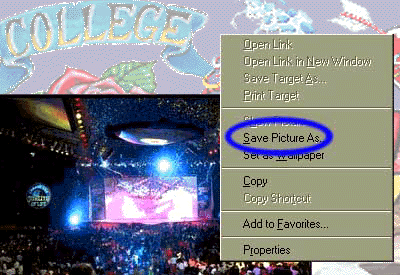
| Printing your souvenir photo or saving the image to your
drive is easy! |
|
 |
Printing with Netscape or Explorer While you are viewing your digital image click the "Print" icon on the browser menu or use the browser "File" pull down menu and choose "Print". Color images can be printed on black and white printers as well. |
 |
|